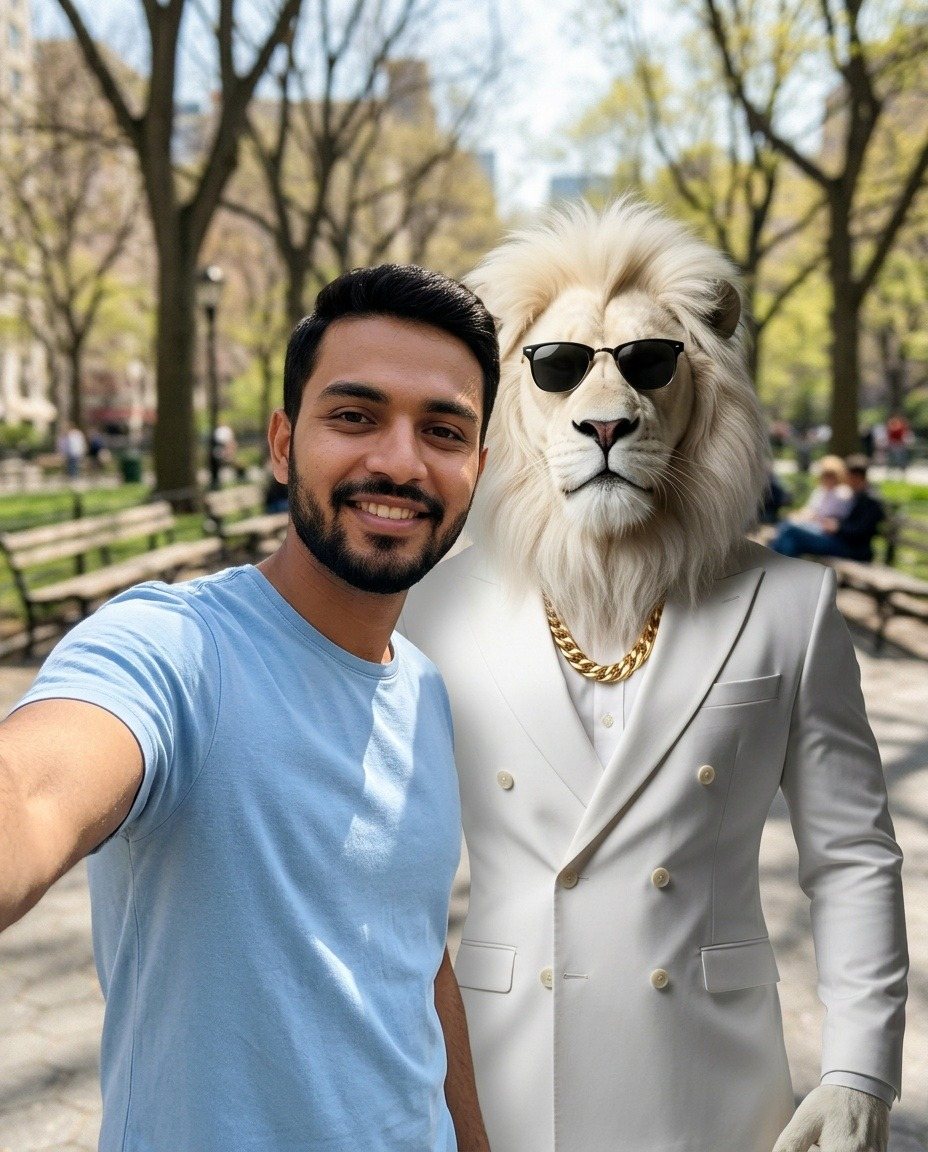
Character: Sheru Bhai
Best friends selfie
A close-up selfie with you and the character, cheek to cheek.
AI photo maker
Pick a template, upload a photo of yourself, and get a picture of the two of you together. Free with a watermark. Every prompt is free to copy and to download.
Each template is one scene with one character. Open it to make your photo or to take the prompt.
Characters:Sheru Bhai
Character: Sheru Bhai
A close-up selfie with you and the character, cheek to cheek.
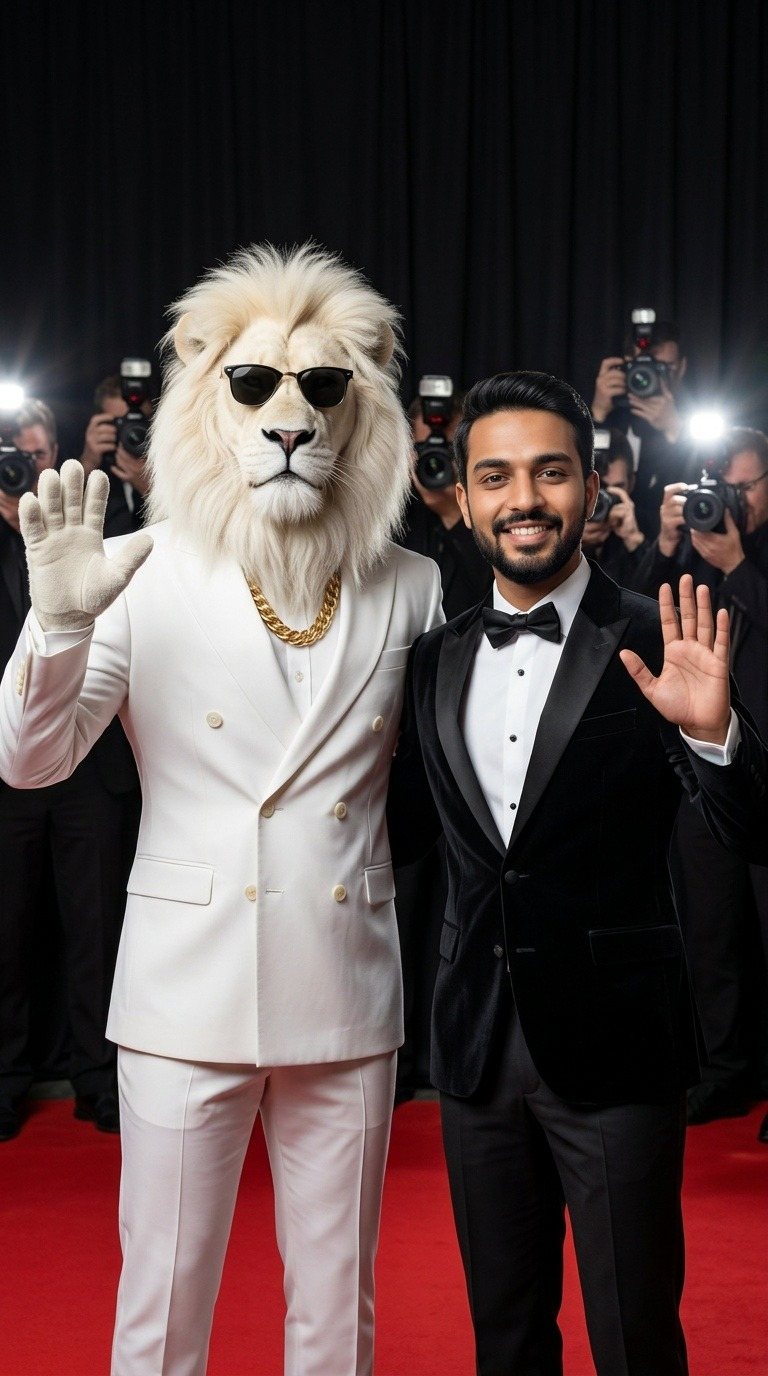
Character: Sheru Bhai
You and the character side by side on the red carpet, waving at the photographers.
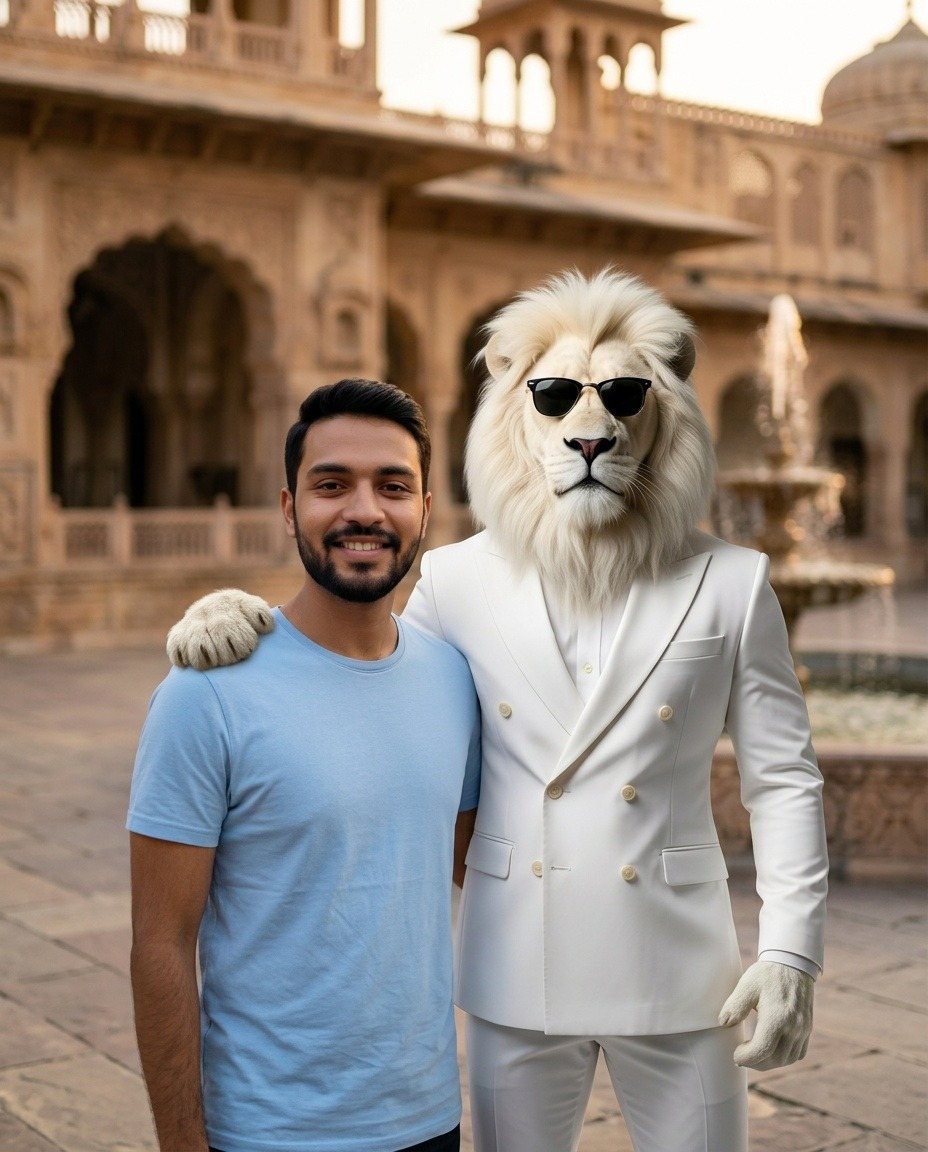
Character: Sheru Bhai
You and the character side by side in front of a palace, like old friends.
Use these in any AI image tool. No account needed.
No subscription. You pay only for the photos you want without a watermark.
Free
Free
$1.99
Yes. You can make 3 photos a day for free. Free photos have a watermark. Removing the watermark from a photo costs $1.99, paid once for that photo.
Every template has its full prompt. On this page, the Free prompts list has a download link for each one. On a template's page you can also read the prompt and copy it. You do not need an account.
Yes. Paste the prompt into another AI image tool together with your photo and a picture of the character.
On a phone, tap Share and choose Instagram or TikTok from your phone's share menu. On a computer, download the photo and upload it in the app. Websites are not allowed to post to these apps for you.
It is sent to the AI service once to make your picture, and we do not save it. The finished picture is kept in your account for 7 days and is then deleted.
Not yet. This first version makes photos only.